Find your companion
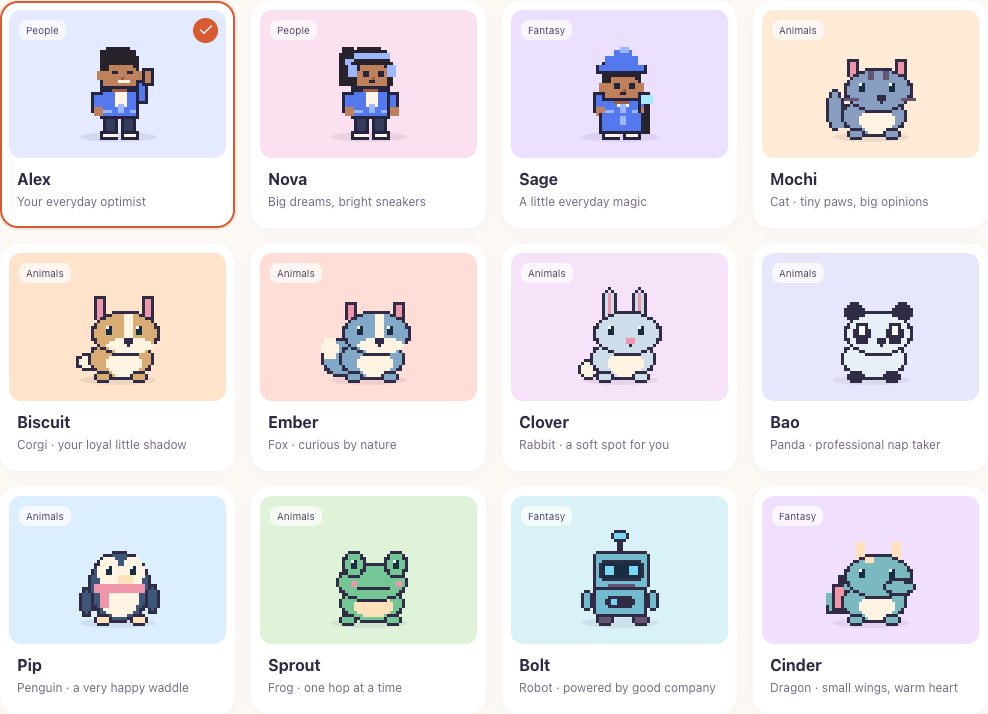
Choose from 139 bundled companions, including animals, people, fantasy characters, and Soft Friends.
heykup pets Public beta
Bring a little company to your desktop. Choose an animated friend, personalize its look, and get gentle reminders throughout your day. Built for Windows and macOS, with offline operation and no account required to use the app.
Free and open source · Windows and macOS · Works offline

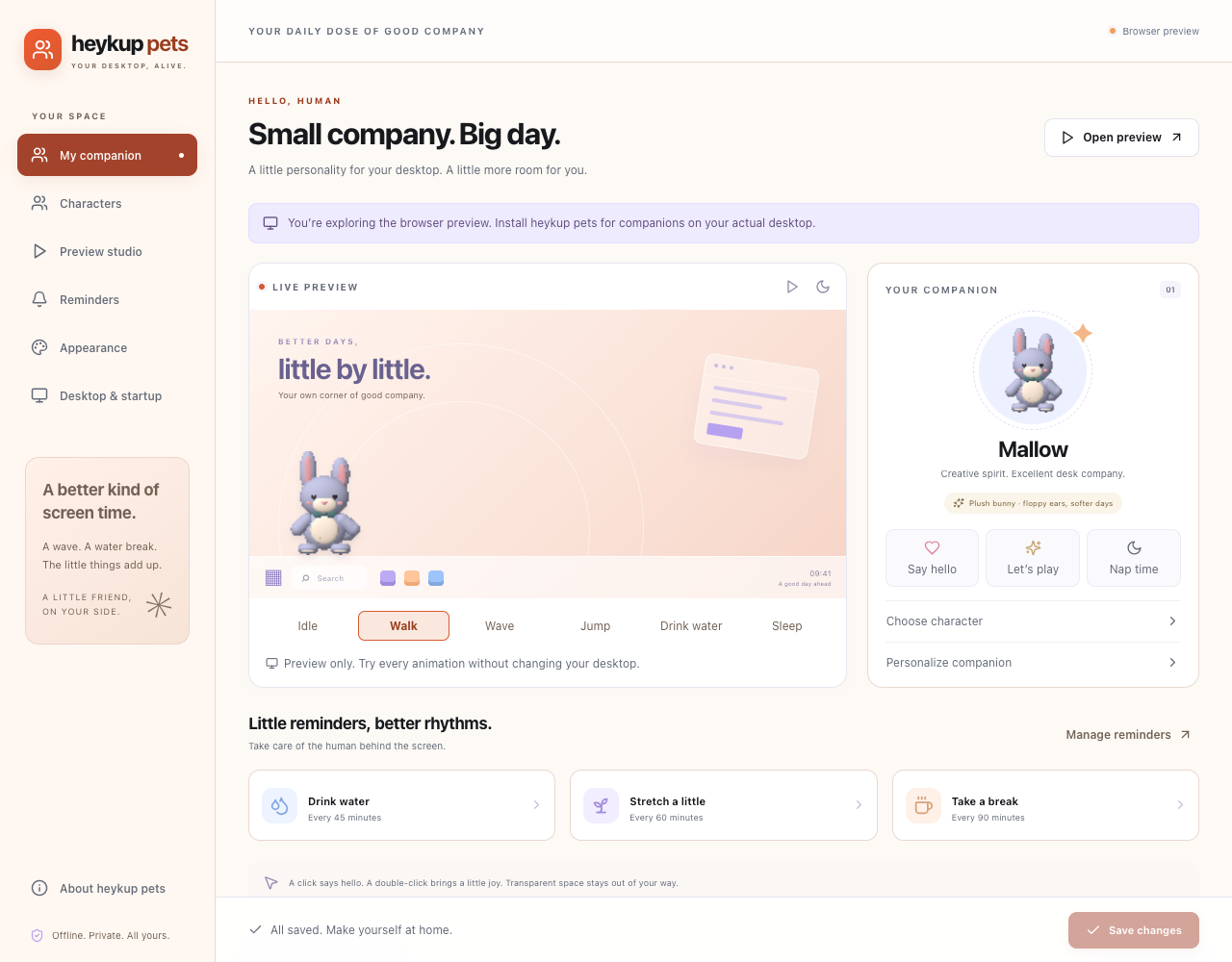
Small moments of company
Choose from 139 bundled companions, including animals, people, fantasy characters, and Soft Friends.
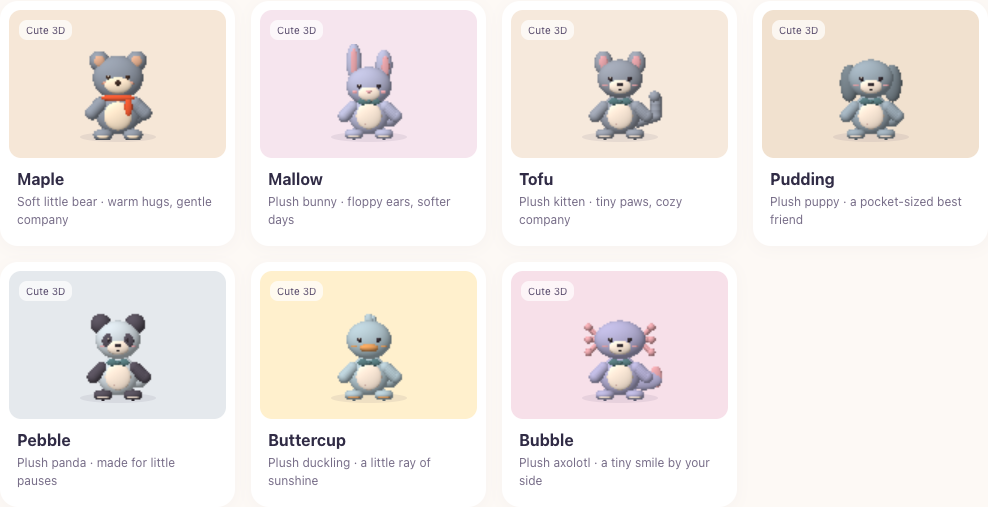
Meet seven plush-style animals with rounded shapes, soft shading, and little details.
Enjoy walking, waving, jumping, sleeping, drinking-water, and idle animations.
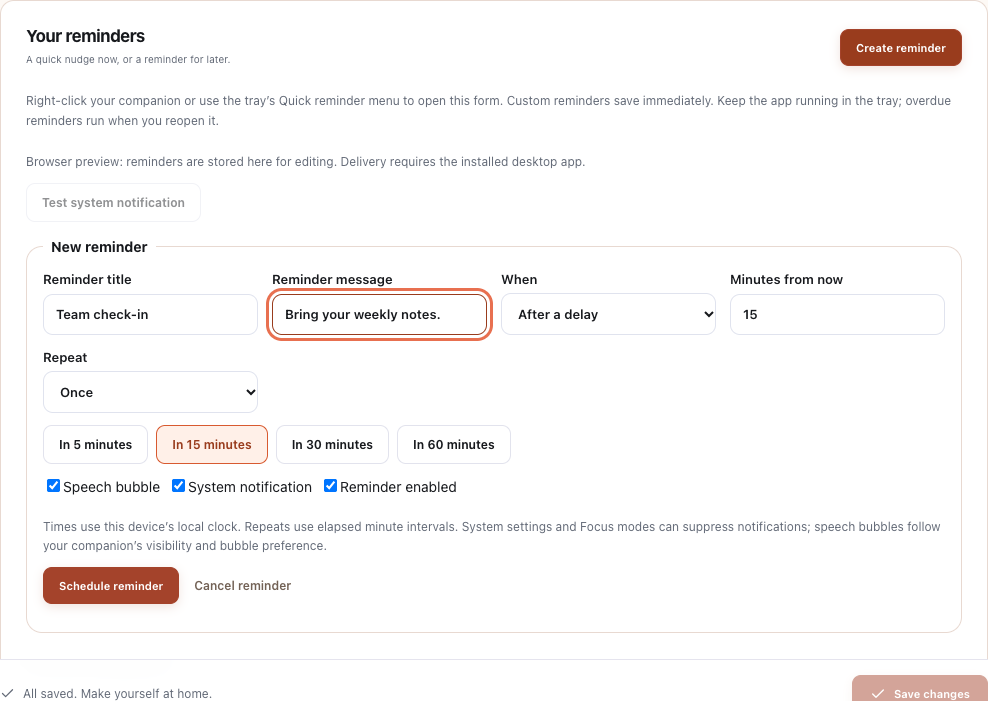
Set water, stretch, and break reminders, or schedule your own messages.
Choose your display, walking area, size, speed, and color style.
Your settings and reminders stay on your device. No app account or subscription required.
Meet the Soft Friends
Seven soft little friends, each with three color styles and six animations. Click a sleeping companion to wake it.
Make yourself some company
Beta installers are currently available through GitHub Actions. Choose the build for your computer and follow the steps below. A GitHub account is required to download these artifacts.
Desktop beta
Artifact
heykup-pets-windows-x64View Windows builds Desktop beta
Artifact
heykup-pets-macos-apple-siliconView Apple Silicon builds Desktop beta
Artifact
heykup-pets-macos-intelView Intel Mac builds Artifacts expire after 30 days. If a build is still running, wait for it to finish. If its artifacts have expired, choose a newer successful build.
A few steps, then a friend
Extract the artifact ZIP, run the file ending in -setup.exe, then launch heykup pets from the Start menu. The installer includes the WebView2 runtime. Node.js, Rust, and developer tools are not required.
Extract the artifact ZIP and open the .dmg. Copy the app to ~/Applications, then launch it from that folder. Do not run it from inside the mounted disk image.
For Apple M-series computers, choose Apple Silicon. For Intel Macs, choose Intel. You can check your processor in Apple menu → About This Mac.
Free and open source
heykup pets is MIT licensed. Explore the source, report a bug, improve the documentation, or contribute a new idea.
Before you begin
The app needs no account. GitHub requires sign-in to download the current beta artifacts.
Yes. The installed app uses bundled artwork and local settings.
The current beta supports one active companion.
Keep the app running. System notification permissions and Focus settings can affect delivery.
The current version uses the included character library.